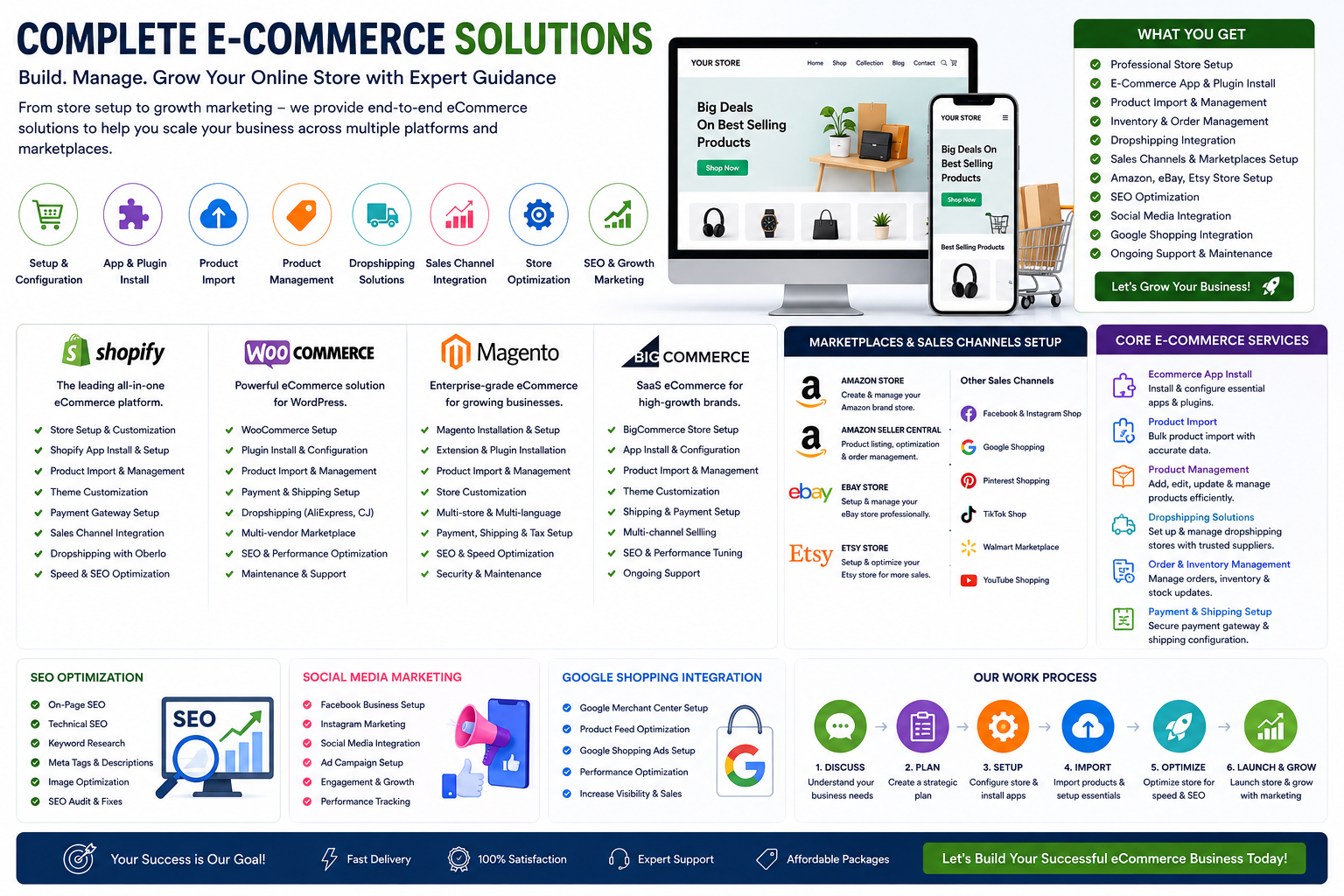
This roadmap is designed to take you from absolute beginner to job-ready e-commerce manager or freelancer. You will focus on Shopify and WooCommerce first, as they dominate the market and have the most free resources, before expanding to Magento and BigCommerce for enterprise skills.
🗺️ Phase 1: Foundation & Platform Setup (Weeks 1-4)
Before installing plugins or importing products, you need to understand the playing field.
- E-commerce Fundamentals: Learn the differences between business models (Dropshipping vs. Wholesale vs. Print-on-Demand). Understand payment gateways, shopping cart behavior, and customer service basics.
- Platform Exploration: You cannot learn everything at once. Shopify is easiest for beginners and freelancers, while WooCommerce (on WordPress) offers more control but a steeper learning curve.
- Pro Tip: Use the "Free Trial" period (usually 3-14 days) on these platforms to click every button without financial risk.
🛠️ Phase 2: App Installation & Product Management (Weeks 4-8)
This phase is about building the "engine" of the store.
- App Install & Dropshipping: Learn to install Oberlo (now DSers), Spocket, or Zendrop. The core skill is connecting a supplier to your store so products flow in automatically.
- Product Import & Management: Master the "Import List" feature in dropshipping apps. You must learn to edit titles, descriptions, and images to remove "AliExpress" branding and make them unique.
- Marketplace Connect: Setting up Amazon Seller Central or eBay requires specific channel apps (like Codisto or CedCommerce) that sync your inventory so you don't sell a product you don't actually have.
📈 Phase 3: Sales Channels & Marketing Setup (Weeks 8-12)
A store without traffic is just a website. This is where you justify your salary.
- SEO & Discovery: Learn to edit "Meta Titles" and "Descriptions" for your products. For platforms like Magento or BigCommerce, understanding URL structure and site speed is critical.
- Google Shopping & Feed Management: This is a high-value skill. You need to learn how to install the Google Channel app and troubleshoot "Disapproved" products. Always start with a Shopping Feed App (like Simprosys) to format your data for Google Merchant Center.
- Social Media Integration: Set up Facebook Shop and Instagram Shopping. This involves connecting your catalog to Meta Business Suite so products are tagged in posts.
🤖 Phase 4: AI Tools & Automation (Advanced)
Future-proof your skills by reducing manual work.
- Content & Copy: Use ChatGPT or Jasper to rewrite hundreds of product descriptions instantly. Learn to prompt AI to include SEO keywords naturally.
- Image Processing: Use Midjourney or Canva AI to generate lifestyle images of products you don't actually have in your hands.
- Data Analysis: Use AI tools (like the "Sales Analyzer" scripts found in open-source toolkits) to predict what products will sell next season based on past data.
📚 Resource Toolkit: Where to Learn (Free & Paid)
You don't need a degree; you need a portfolio and certifications.
Shopify (The Freelancer's Choice)
- Free Training: Shopify Compass (Free courses on setup, SEO, and dropshipping).
- Certification: Shopify Academy (Generates a shareable certificate for LinkedIn).
- Practice: Create a "Development Store" ($5/month or free for partners) to experiment.
WooCommerce (The Flexible Choice)
- Free Training: Web Monkey's "Complete WooCommerce Tutorial" (Available on YouTube/Class Central).
- Certification: WooExperts (Harder to get, requires proven experience).
- Practice: Use Local WP or XAMPP to run a WordPress site on your own computer—totally free.
Specialized Skills (Dropshipping & Marketplaces)
- Dropshipping: Udemy offers "Build an Online Aliexpress Dropshipping Store" (Often goes on sale for under $15).
- Amazon FBA: Look for "Seller University" inside Amazon Seller Central (Free for enrolled sellers).
- Marketplace Sync: CedCommerce YouTube channel (Free tutorials for connecting eBay/Etsy to Shopify).
Mobile Learning
- App: "Build an Online Store Course" (Available on iOS App Store) for learning checkout flows and basic app installation.
💼 Career Application & Next Steps
Knowing the software is one thing; getting paid for it is another.
1. Choose a Niche
Generalists are common; specialists are paid more. Decide if you want to focus on Speed Optimization for Magento or Conversion Rate Optimization for Shopify.
2. Build Portfolio (The "Free Work" Strategy)
To break the "no experience, no job" cycle, offer to set up a dropshipping plugin or Google Shopping feed for a local friend or non-profit for free. Take screenshots of the process—these become your portfolio case studies.
3. Freelance Tactics
- Platforms: Use Upwork or Fiverr. Start with low-priced gigs ($10 for "Install Facebook Pixel") to get your first 5-star review.
- LinkedIn: Post your learnings daily. Recruiters actively search for terms like "Shopify Developer" or "E-commerce Operations Manager" on LinkedIn.
4. Interview Ready
Be prepared to answer: "How do you import a product from Aliexpress to WooCommerce?" or "How do you set up a shipping zone on BigCommerce?" If you practiced on your local machine (Phase 4), you will know the answer because you did it yesterday.
Next Step: Pick one platform (Shopify or WordPress), open an incognito window, and start the free trial. The only "trick" to e-commerce is starting
Any




 Group / 1: 1 Sessions